Skip to Content
Digital View
  • Home
  • Products
    • Controller Boards
    • E Ink Solutions
    • Accessories
    • AI @ Display Edge
    • Services
  • CSG
  • Applications
    • AI Enabled Displays
    • Kiosks
    • Embedded Systems
    • Marine
    • Digital Signage Displays
    • Industrial Displays
    • Defense Related Displays
    • Transport Displays
    • Medical Displays
  • How to Buy
    • Resellers
    • Contact Sales
  • Support
    • Compliance
    • Contact Support
  • About
  • Blog
  • 0
  • Contact
Digital View
  • 0
    • Home
    • Products
      • Controller Boards
      • E Ink Solutions
      • Accessories
      • AI @ Display Edge
      • Services
    • CSG
    • Applications
      • AI Enabled Displays
      • Kiosks
      • Embedded Systems
      • Marine
      • Digital Signage Displays
      • Industrial Displays
      • Defense Related Displays
      • Transport Displays
      • Medical Displays
    • How to Buy
      • Resellers
      • Contact Sales
    • Support
      • Compliance
      • Contact Support
    • About
    • Blog
  • Contact

Commands, Monitoring, Telemetry

Add value and functionality to a display system with the full suite of commands available with Digital View LCD controllers using the Ethernet and RS-232 commands, monitoring, and telemetry capabilities.

Links & Downloads
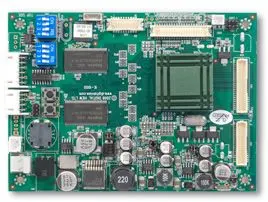
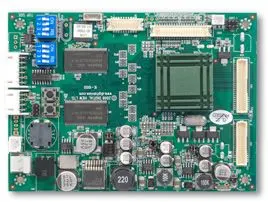
  • LCD Controller Summary
  • Accessories Summary
  • Contact Us

IP-60v2

  • Description: The IP-60v2 provides an Ethernet interface for various telemetry options as well as for commands to control the functions of the LCD controller.
  • Works with: All controllers (note, some models have built-in IP-xx type functionality)
  • External connection: Ethernet
  • Internal connection: RS-232, sensors, fans
  • Part number: 416020610-3

DOWNLOADS

  • Manual v1.1
  • Dimensional drawing (PDF)
  • Dimensional drawing (DWG)
  • 3D drawing (SLDPRT, IGS)

IP-60

Description: The IP-60 provides an Ethernet interface for various telemetry options as well as for commands to control the functions of the LCD controller.

Works with: All controllers (note, some models have built-in IP-xx type functionality)

  • External connection: Ethernet
  • Internal connection: RS-232
  • Part number: 416013711-3

DOWNLOADS

  • Brochure
  • Manual 2014

IP-50

Description: The IP-50 provides an Ethernet interface for various telemetry options as well as for commands to control the functions of the LCD controller.

Works with: All controllers (note, some models have built-in IP-xx type functionality)

  • External connection: Ethernet
  • Internal connection: RS-232
  • Part number: 416013621-3

DOWNLOADS (enclosure version)

  • Brochure
  • Manual 1.4

Controller Built-in

  • Description: The SVX-4096 and SVX-4096-120 have the functionality of the IP-60v2 models built in. 
  • The SVX-1920v3 has the IP-50 equivalent.
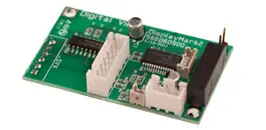
DisplayMark

Description: Although this is no longer a current product it is worth noting. Displaymark 'injected' a time based pixel block into the bottom corner of the display then monitored it, in this way it ensured the display system worked.

Part number: Retired

DOWNLOADS (for reference only)
  • Brochure
  • Manual v2.0

Software Utilities

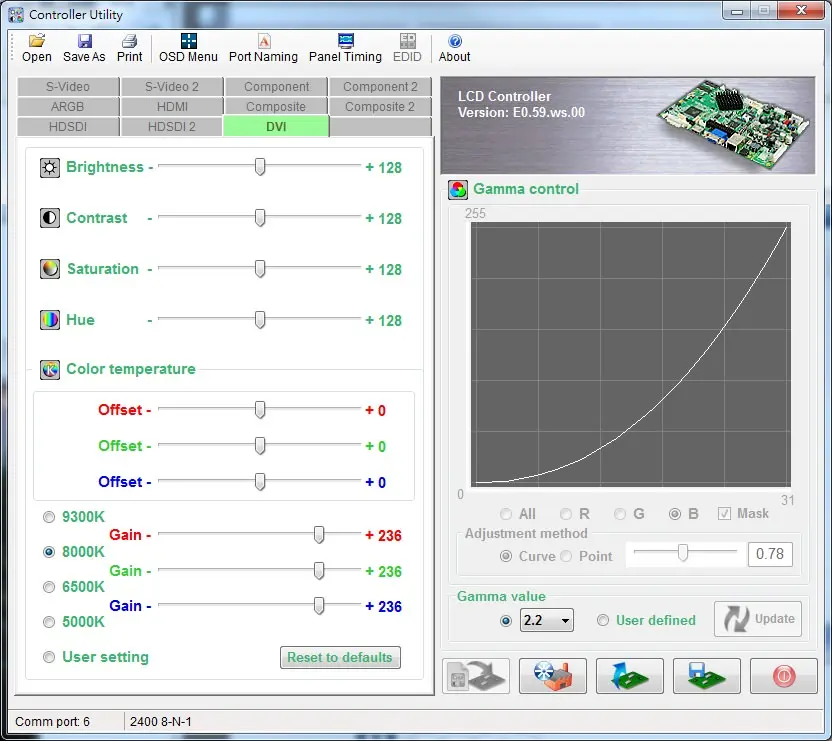
Windows based applications for free download to access controller functions working with the IP-60v2 and similar boards noted on this page.

This links to a page of software utilities designed for Digital View LCD controllers.

See the software product page for details

Digital View - enabling digital displays

Digital View, engineering display electronics since 1995. We design and manufacture highly reliable controllers for LCD, OLED, and E Ink ePaper displays, powering mission-critical applications in defense, medical, industrial, and digital signage. 

Main Pages

Contact Us
Controller Summary
Office Addresses
Privacy Policy
About

Phone

USA +1-408 782 7773 (Morgan Hill, California)
UK +44(0)20 7631 2150 (London)
HK +852-2861 3615 (Hong Kong)

Follow us

    Contact Us: 

    Sales inquiries or any other questions...

Submit
Copyright © 2025 Digital View
Digital View - Enabling Displays

We use cookies to provide you a better user experience on this website. Cookie Policy

Only essentials I agree